Admin Panel Improvements - Januar 2025
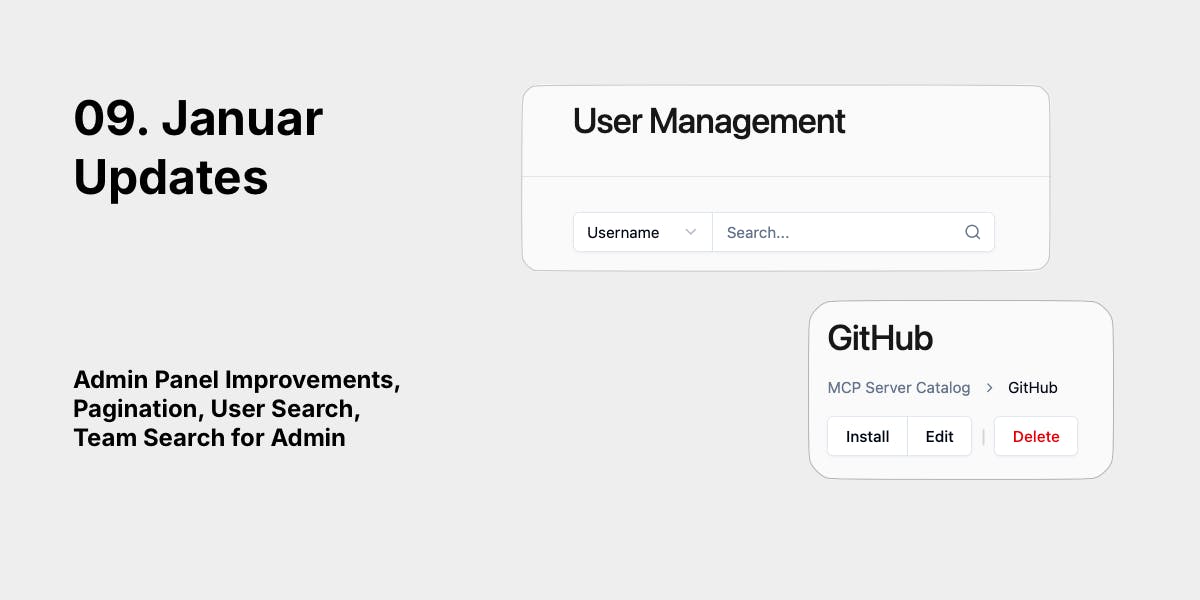
We made the admin panel faster and easier to use when managing large teams. If you manage hundreds of users or dozens of teams, these changes will save you time.
User & Team Management at Scale
Pagination Everywhere
Both the Users and Teams admin pages now load 20 items at a time instead of everything at once, which makes the interface faster when you're managing a growing platform with hundreds of users or dozens of teams.
What you get:
- Page through results with next/previous buttons
- Adjust how many items you see per page (10, 20, 50, or 100)
- See your current position and total count
- No more waiting for huge lists to load
Search That Actually Works
Users: Search by username or email. Toggle between search types with a button, press Enter to search.
Teams: Search by team name. Results come back fast even with thousands of teams because the search runs on the server.
Both pages show loading spinners while searching, so you know something is happening.
Better Filtering for Users
New dropdown filter menu on the Users page lets you:
- Filter by authentication type (Email or GitHub)
- Filter by role (Global Admin or Global User)
- Combine filters to narrow down results
- See active filters as pill badges
- Clear individual filters or all at once
This replaces the old tab navigation, which was confusing.
Role Management + Email Notifications
Global Admins can now change user roles directly from the user detail page.
The workflow:
- Click on any user
- Find the Role card
- Click "Change Role"
- Select new role from dropdown
- Confirm
What happens automatically:
- The user gets an email about their role change
- All other Global Admins get notified (if it's a Global Admin promotion or demotion)
- You see instant confirmation on the page
Why this matters:
- Faster onboarding for new admins
- Everyone stays informed about who has elevated access
- Creates a paper trail for compliance and audits
- No manual Slack messages needed
Note: Email notifications only fire for Global Admin role changes. Regular role changes don't spam your inbox.
Team Management Improvements
Redesigned Team Detail Page
Team detail pages now use clean URLs and tab-based navigation:
Before: /admin/teams/4vj7igb2fcwzmko?section=limits After: /admin/teams/4vj7igb2fcwzmko/limits
Desktop: Left sidebar with General, Limits, Members, and MCP Servers sections Mobile: Button-based navigation bar at the top
Switching between tabs is instant (no page flash) because we cache team data.
New: MCP Server Installations View
Global Admins can now see all MCP servers a team has installed, all in one place.
What you'll see:
- Server name (click to view full details in catalog)
- Status with color-coded badges (online, offline, error, requires reauth, etc.)
- Installation date
- Last used date (or "Never")
Why this helps:
- Faster support: Check if a server is offline when a team reports an issue
- Usage monitoring: See which servers teams actually use
- Capacity planning: Spot teams approaching their installation limits
Cleaner API Structure (Technical Change)
We moved all admin user routes under /api/admin/users/ to match the pattern we already use for teams (/api/admin/teams/).
Customer impact: None. The admin dashboard automatically updated.
For API consumers: If you directly call our API, update your admin user endpoint URLs. Regular user endpoints (/api/users/me, /api/users/:id) are unchanged.
Performance & UX Polish
- Skeleton loaders on all admin pages (no more blank screens while loading)
- Smooth transitions between pages and search results
- Breadcrumb navigation on detail pages for easier back navigation
- Faster API responses for large datasets
Who Benefits Most
Small teams (1-20 users): The interface feels snappier with better loading states and instant navigation.
Growing teams (20-100 users): Pagination prevents slowdowns. Search helps you find people quickly.
Large deployments (100+ users): Managing the platform is now practical. Find any user or team in seconds.
Technical Details for Support Teams
API Changes
Users:
- GET /api/users → GET /api/admin/users (admin-only operations moved)
- Response format now includes pagination metadata
- New search endpoint: GET /api/admin/users/search
Teams:
- GET /api/admin/teams now supports pagination (limit/offset)
- New search endpoint: GET /api/admin/teams/search?name=query
- New endpoint: GET /api/admin/teams/:id/mcp/installations
Breaking Changes
⚠️ Admin Teams and Users API response structure changed. Old responses returned flat arrays. New responses include pagination metadata.
If you have custom integrations, you'll need to update your code to handle the new format:
// Old format
const users = response.data; // Array

// New format
const users = response.data.users; // Array
const pagination = response.data.pagination; // Metadata
Email Configuration
Role change notifications require SMTP configuration in Global Settings. If SMTP isn't set up:
- Role changes still work perfectly
- Emails are queued but not sent
- No errors shown to users