MCP is too complex to adopt.
We made it just a URL!
From Solo to Scale. Eliminate credential management, reduce onboarding friction, and gain organizational visibility.
Try it out for freeNo credit card required!





Automate processes, and drive growth features
Deploy with a URL
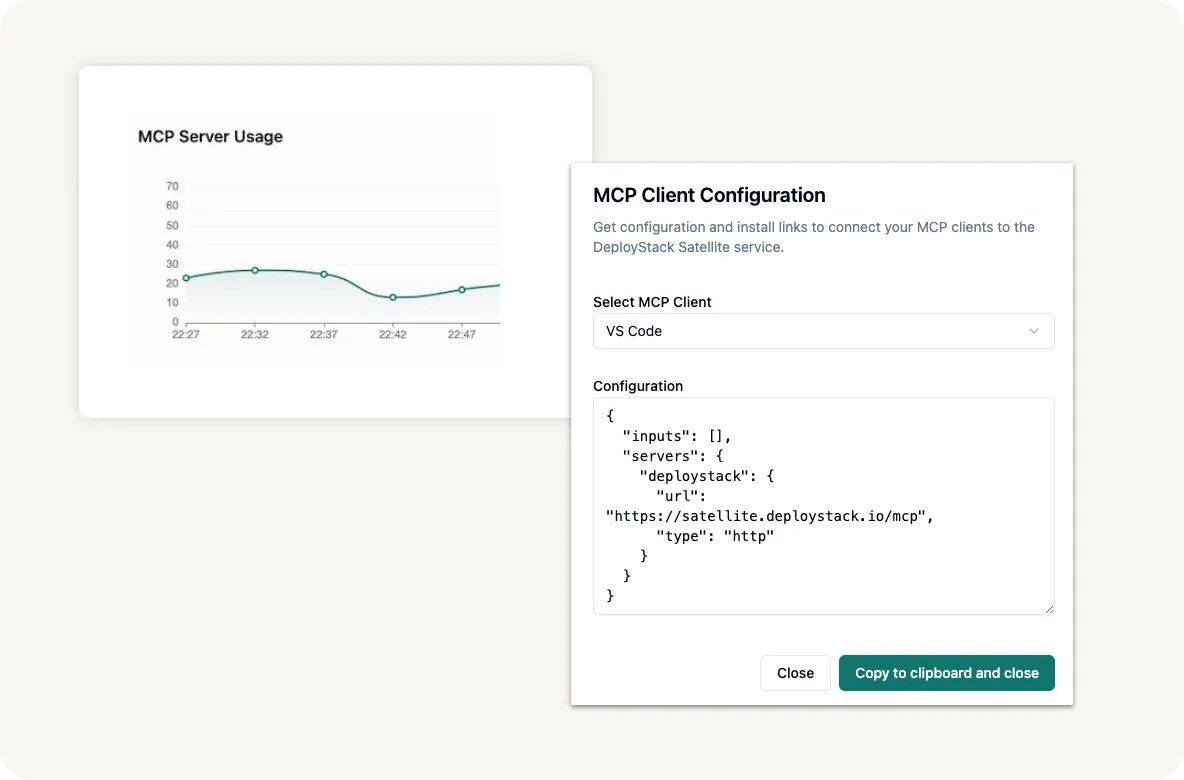
No installation, no configuration files. Just add your DeployStack URL and start using MCP servers immediately.
Centralized Management
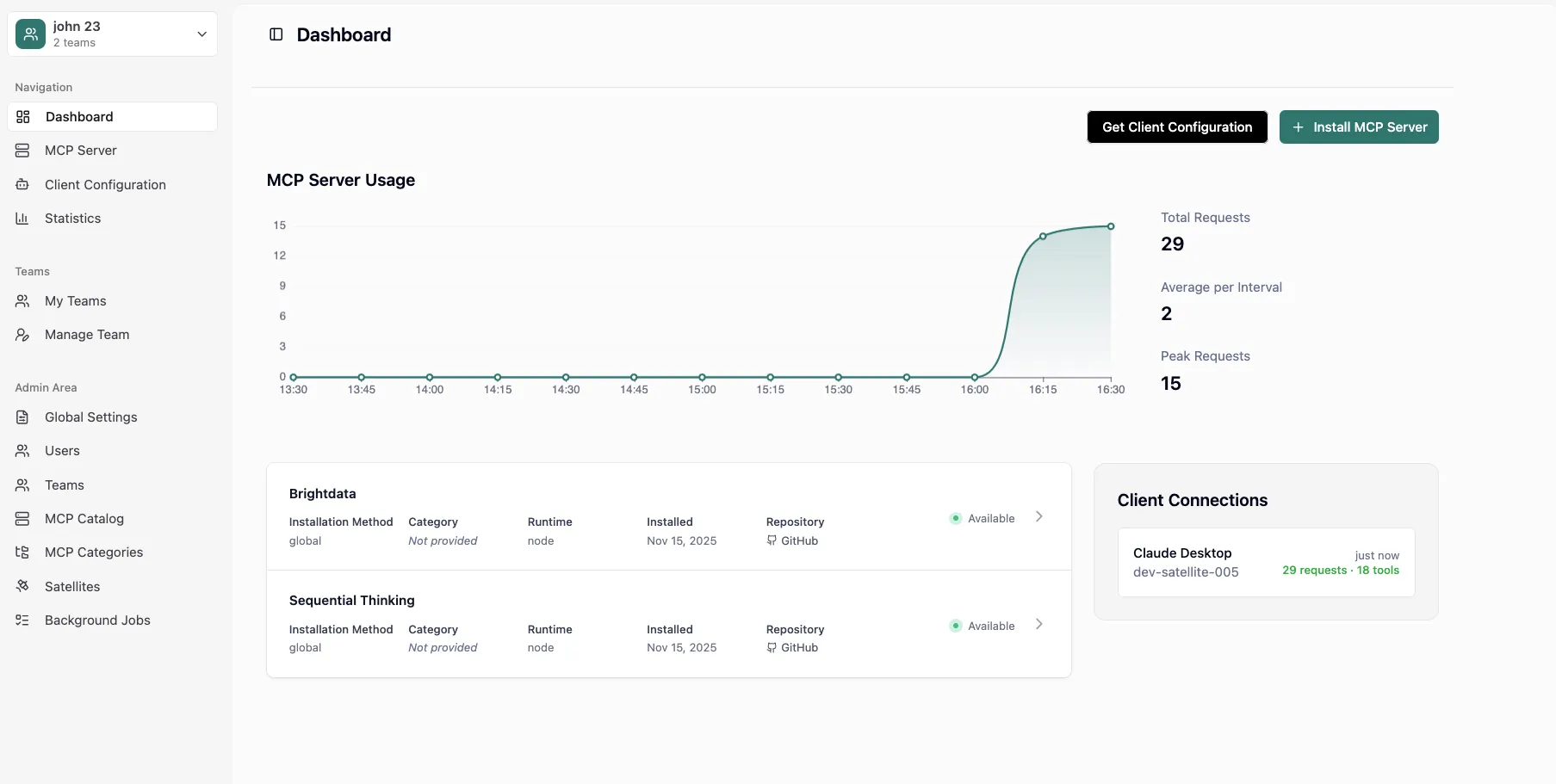
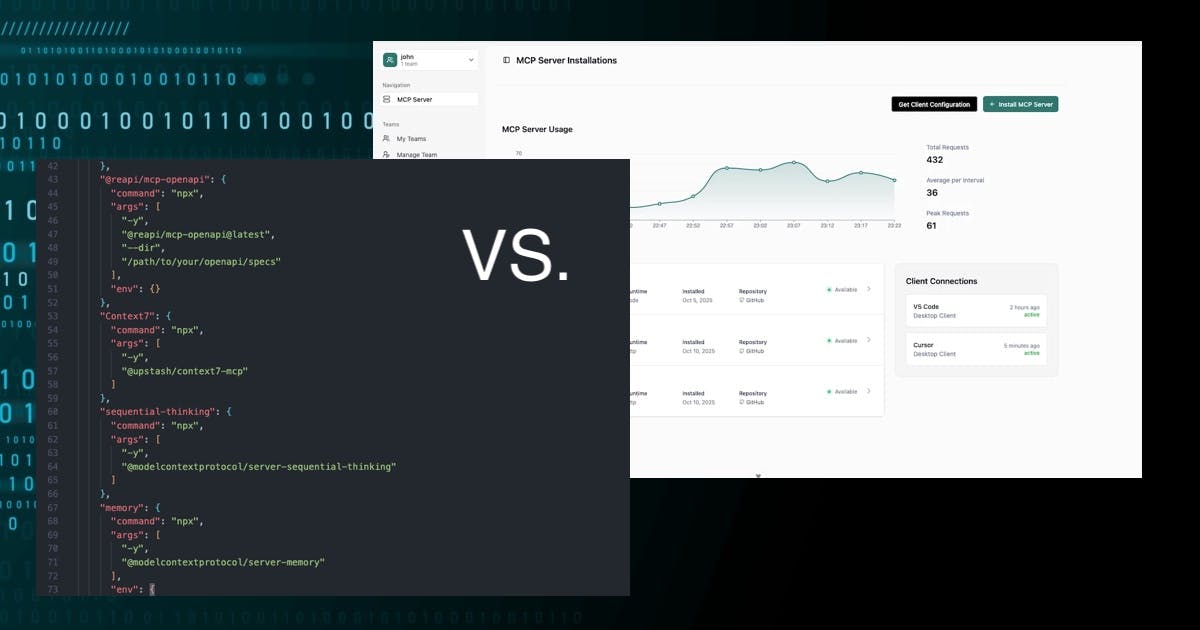
Manage all your MCP servers from one dashboard. Monitor usage, update configurations, and team awareness.
Enterprise Security
Bank-level encryption, Team isolation, 3-Tier Configuration System, and role-based access control keep your data safe and secure.
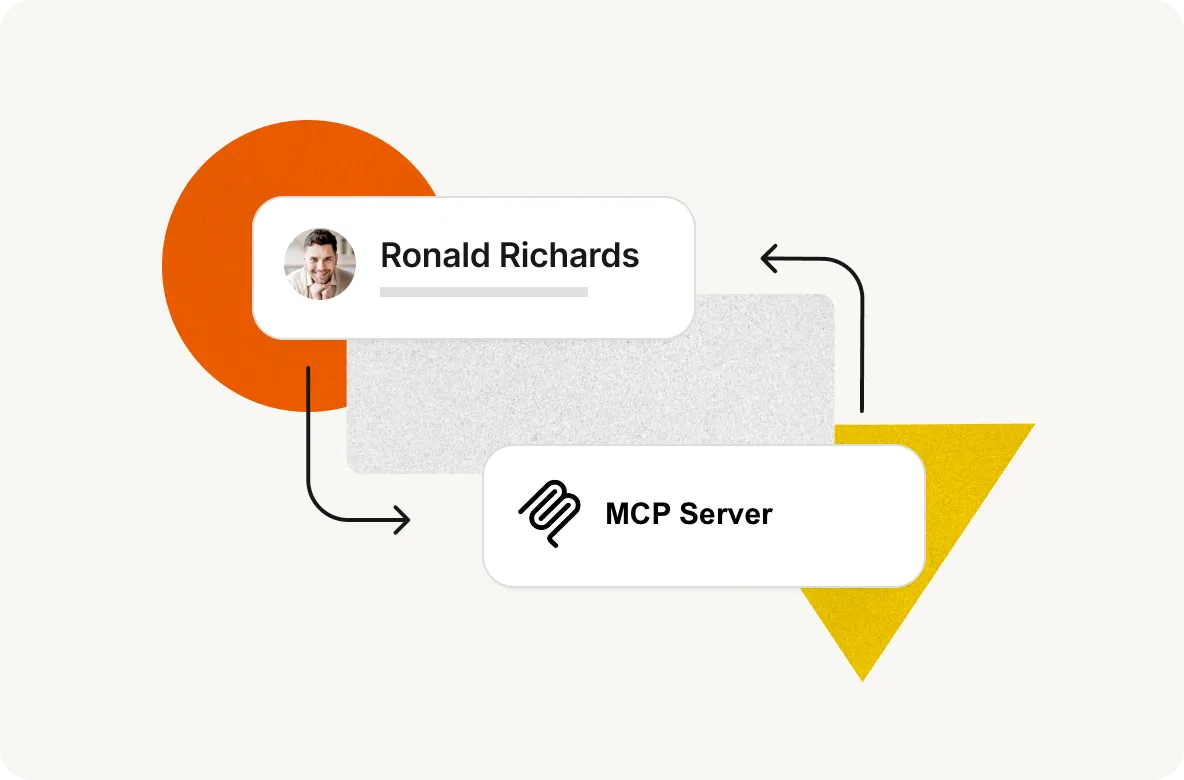
Team Collaboration
Share MCP servers across your organization with granular permissions and usage tracking for every team member. Onboard new team members in minutes.
Try it out for free No credit card required!
And many more key features!
Open Source
Self-host the entire platform on your infrastructure. Built on transparency, not vendor lock-in.
Zero Installation
Start using MCP servers instantly with just a URL. No downloads, no configuration files, no hassle.
Team Collaboration
Share and manage MCP servers across your entire organization with granular permissions.
Usage Analytics
Monitor MCP server and client activity with near real-time insights into usage patterns and performance.
Context Window
90%+ token reduction with hierarchical routing. Scale from 3 to 100+ MCP servers without context degradation.
Security & Privacy
Industry-standard encryption, secure credential management, and OAuth2 authentication protect your data.
Frequently asked questions!
What is DeployStack and how does it help with MCP management?
DeployStack is the first MCP-as-a-Service platform that eliminates adoption friction entirely. Instead of complex CLI installations, just add our satellite URL to VS Code and get instant access to MCP tools. We provide enterprise-grade security, team isolation, and organizational visibility - from solo developers to enterprise teams.
How does DeployStack solve credential management problems?
DeployStack provides a secure credential vault where all API keys and tokens are stored encrypted. Developers never handle credentials directly - they're automatically injected into MCP server processes at runtime. This eliminates credential sprawl, insecure sharing via Slack, and compliance risks.
What is DeployStack Satellite and how does it work?
DeployStack Satellite is our managed MCP infrastructure that eliminates installation complexity. Instead of installing CLI tools, you simply add https://satellite.deploystack.io/mcp to your MCP Client like VS Code configuration. We handle all the MCP server management, scaling, and security in our cloud infrastructure.
Is DeployStack open source and can I self-host it?
Yes! DeployStack is completely open source and available on GitHub. You can self-host the entire platform on your own infrastructure. Check our documentation at docs.deploystack.io for detailed self-hosting instructions and deployment guides.
Is DeployStack free to use?
Yes! DeployStack remains free for personal usage at cloud.deploystack.io.
Can DeployStack scale from individual developers to enterprise teams?
Absolutely! DeployStack is designed to scale from solo developers to large enterprise teams. We provide role-based access control, team management, organizational analytics, and enterprise security features. The same platform that simplifies MCP for individuals provides governance and visibility for large organizations.
How does onboarding work for new team members?
With DeployStack Satellite, new developer onboarding is instant. Team members simply add https://satellite.deploystack.io/mcp to their VS Code MCP configuration. That's it - immediate access to MCP tools without any installation, registration, or token management.
What kind of organizational visibility does DeployStack provide?
DeployStack provides complete analytics on MCP tool usage - please note that this feature is still under development - which developers use which tools, how frequently, cost tracking for expensive API usage, performance metrics, and adoption insights. This helps organizations optimize tool spending and understand what drives developer productivity.
What MCP servers and tools does DeployStack support?
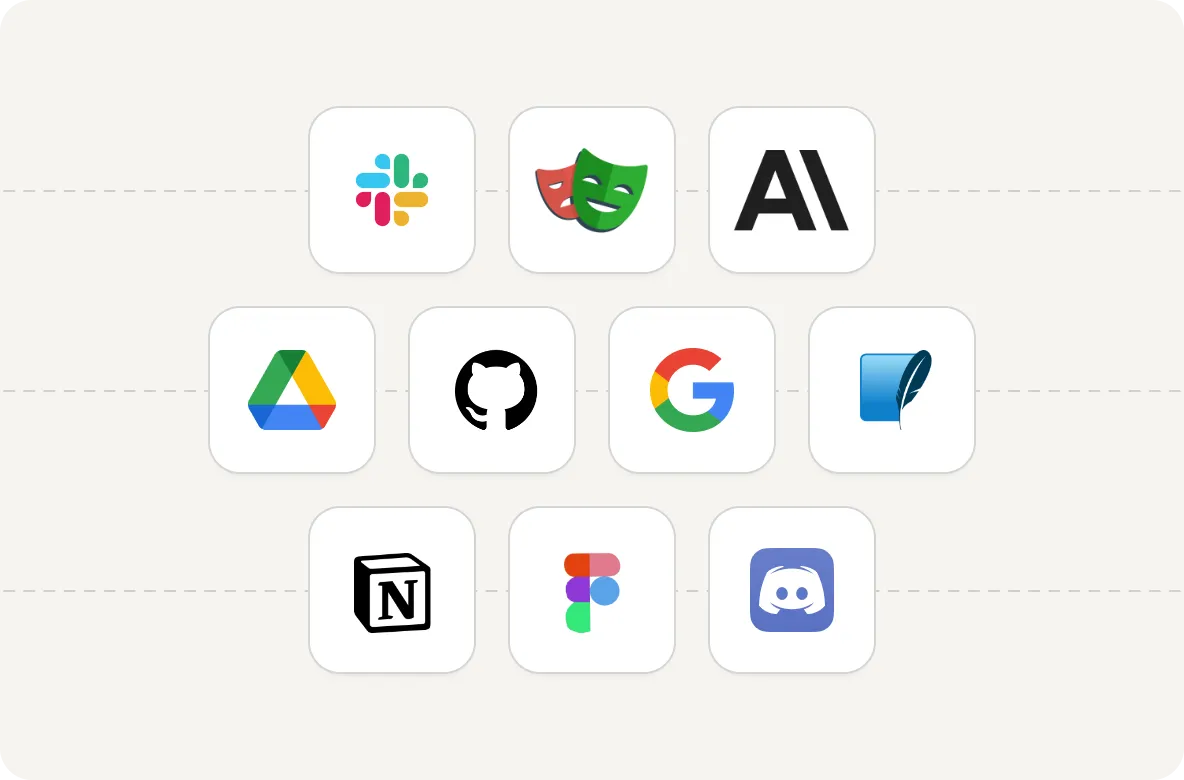
DeployStack supports all MCP servers that follow the standard protocol, regardless of programming language (Node.js, Python, Go, Rust, etc.). We maintain a curated catalog of production-ready servers and make it easy for teams to add their own custom MCP servers.
How do I get started with DeployStack?
Getting started takes under 30 seconds: just add https://satellite.deploystack.io/mcp to your VS Code MCP configuration. No installation, no CLI tools, no registration required - instant access to MCP tools.
Why is DeployStack different from other MCP solutions?
Every other MCP solution requires CLI installation, creating massive adoption friction. DeployStack Satellite works like OpenAI API or Claude API - just add a URL. We're the first MCP-as-a-Service platform, not another local proxy tool.
Latest from the DeployStack blog
Ready to eliminate MCP complexity?
Change your team's MCP experience from configuration nightmare to perfect AI productivity. Secure credential management, zero-configuration setup, and complete organizational visibility.
Try it out for free No credit card required!